
Removing Personal Information From Google Search: Beyond De-Indexing
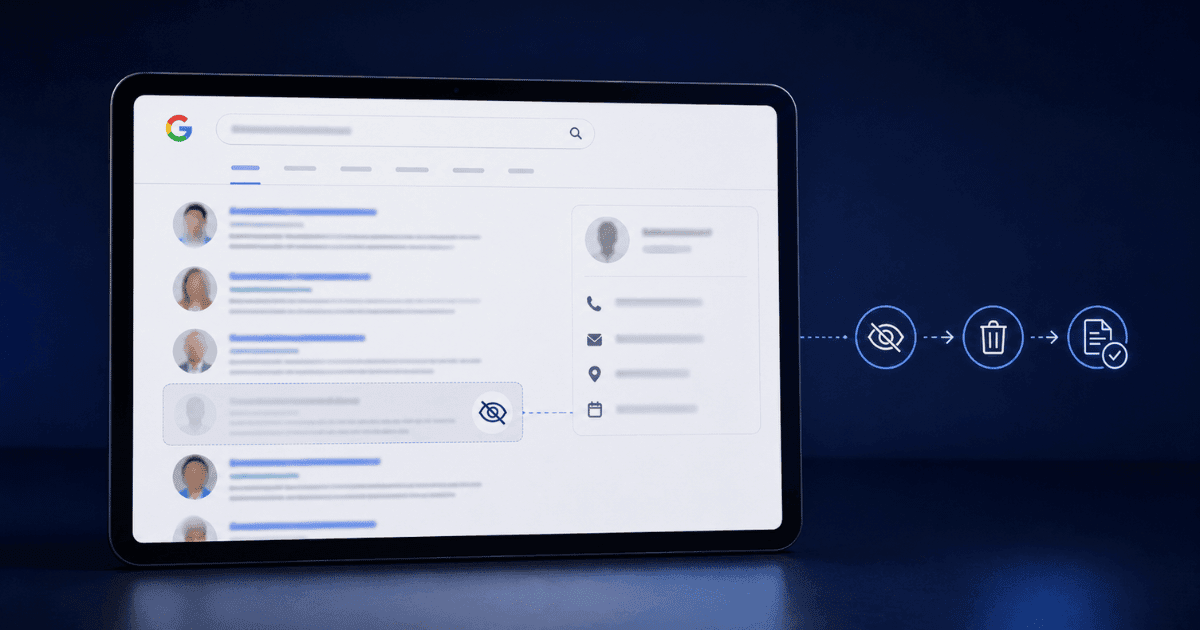
Removing personal information from Google Search is a two-part problem: getting Google to stop displaying the information, and getting the underlying content off the internet in the first place. Most guides focus only on the first part and skip the second entirely, which is why victims of doxxing, harassment, and privacy exposure often see the same content return within weeks, despite having "removed" it once already and assuming the problem was solved. The gap between these two problems is exactly where most people get stuck, often without realizing a second, separate step even exists until the content resurfaces. Data brokers compound the issue further, since they resupply Google with the same information from new sources even after a successful removal. This guide covers all three layers: Google's removal tools, the underlying source-removal work, and the long-term monitoring that keeps content from resurfacing after the initial cleanup.
Understand What Google Will and Won't Remove
Google's removal policies are specific. Understanding what qualifies and what does not saves time.
Personal Identifiable Information Qualifies
Google's Removal Request Tool removes personal information including: government identification numbers, bank account numbers, credit card numbers, images of handwritten signatures, images of identification documents, personal contact information (home address, phone number, and email address), and confidential login credentials. These are removed on request.
Non-Consensual Intimate Imagery Qualifies
Google separately removes non-consensual intimate imagery through a dedicated flow. Explicit content shared without consent, including deepfake variants, qualifies for removal without requiring court orders.
Defamatory Content Requires Court Orders
Content that is defamatory but does not contain the qualifying categories usually requires a court order finding the content unlawful. Google will not remove content it considers defamatory on request alone; this is exactly where a court order or defamation removal specialists become necessary, since the content itself has to come down rather than just disappear from search results.
Doxxing Content Qualifies
Content that reveals personal information intended to enable harassment; a home address published maliciously, contact information published to encourage others to contact the person, qualifies under the personal information policy, which covers a broader range of situations than most victims realize when it comes to removing personal information from the internet generally.
Use Google's Personal Information Removal Tool
Google's removal tool handles the first-line request, and it works for qualifying content with reasonably fast results. Visit Google's Search Help and navigate to the personal information removal flow; Google requires the URL where the information appears, a description of what you want removed, and evidence that the information belongs to you.
Google prioritizes complete submissions over vague ones. Include exact URLs (multiple where relevant), the specific information appearing on each URL, why the information is personal to you, and any evidence of harassment or safety risk if applicable; precise submissions get processed noticeably faster than vague ones, which tend to get rejected outright.
If a request is rejected, Google usually provides a reason, commonly that the content doesn't qualify, identification was insufficient, or the URL submitted was a search result page rather than the underlying content itself. Fix the identified issue and resubmit; repeated resubmission with better information often succeeds where a single attempt failed.
Address the Underlying Source
Google removal only hides the content from Google. Someone searching Bing, DuckDuckGo, or the original site directly still finds it. Source removal is what actually solves the problem.
Contact the Site Owner Directly
Most sites have a contact form, a webmaster email, or a privacy request address. Contact the site directly and request removal of the specific content. Frame the request as a privacy request rather than a complaint, this tends to produce better response rates. Include the specific URL and the specific information you want removed.
Use the Site's Formal Privacy Process
Major platforms have formal privacy request processes: Reddit, Facebook, Twitter, TikTok, LinkedIn, and others each have dedicated forms. Use the formal process rather than general customer support, it routes to the right team and produces faster action.
File DMCA When You Own the Content
If the underlying content is something you created, such as a photograph you took or a document you authored, DMCA takedown requires the platform to remove it or lose safe-harbor protection. DMCA is fast and enforceable for content you own, and it often works even faster when paired with the broader right to be forgotten framework in jurisdictions where that applies.
Clean Up Data Broker Records
Data brokers are frequently the underlying source of the information showing in Google Search, so removing them at the broker level prevents Google exposure in the first place. Search your name across the standard data-broker sites, including Spokeo, BeenVerified, WhitePages, PeopleFinder, Radaris, Intelius, MyLife, and TruePeopleSearch; each has its own opt-out process, though the processes vary widely in complexity and honesty.
Every broker has an opt-out URL, though many hide them intentionally; the Electronic Frontier Foundation and various privacy sites maintain updated lists of opt-out URLs for major brokers, and submitting at each one systematically is worth the time even when some require ID verification or repeated requests. Managed data-broker removal services, available as a paid subscription, handle opt-outs across dozens of brokers at once and rerun the process every few months, since brokers frequently re-add removed information from new sources; for victims of active harassment, this ongoing removal cycle matters more than any one-time cleanup. Data-broker cleanup is just one part of learning how to clean your digital footprint, something most people need to revisit periodically, not just after a specific incident.
Need Expert Help?
Our team has resolved thousands of cases. Get confidential support now.
De-Index Search Results That Cannot Be Removed at Source
Even after source removal, Google's index takes time to update on its own, so actively speeding this up matters, especially when the underlying harm is ongoing.
Request Old Content De-Indexing: If the underlying page is gone but still appearing in Google, use Google's Refresh Removals tool to request faster de-indexing; this handles the gap between source removal and Google's own index update, which can otherwise take weeks to catch up naturally.
Handle Cached Pages: Google occasionally serves a cached version of a removed page even after the live page is gone, so cache removal needs to be requested explicitly through the same tools; it's treated as its own distinct action, separate from standard URL de-indexing, and easy to overlook.
Address Screenshots and Reposts: Screenshots of removed content sometimes reappear as new pages elsewhere, often on different domains entirely, so monitor for reappearance and file removal on the new URL directly each time it surfaces; specialist support in search result removal coordinates this ongoing monitoring for cases where content keeps returning across multiple sources.
Monitor Long-Term
One-time removal is not enough; long-term monitoring keeps content from silently returning, often within weeks of the original takedown.
Google Alerts: Set up alerts for your name, phone number, home address, and any other specific identifiers to get notified when new content appears; this is free, takes a few minutes to configure, and covers most reappearance cases.
Quarterly Data-Broker Refreshes: Brokers frequently re-add removed information from new sources, so refreshing your opt-out submissions every few months maintains the reduced exposure that a one-time cleanup produces; automated tools can handle this recurring cycle, but manual re-checks work too if you're tracking only a handful of sites.
Use a Monitoring Service for High-Value Cases: For public figures, professionals in sensitive roles, and active harassment targets, dedicated monitoring services check dozens of sources beyond Google, including data brokers, forums, social media, and image search, surfacing reappearance faster than Google Alerts alone and often before the content spreads further.
Frequently Asked Questions
What will Google actually remove from search?
Results exposing certain personal information, including contact details and identifying documents, under its own removal policies. It does not remove content simply for being unflattering.Does removing a result delete the page?
No. De-indexing stops the result appearing in search while the page stays online. Addressing the source site is a separate request and both are usually needed.How long does a removal request take?
Often days to weeks, and outcomes vary by category. Submitting each URL separately with the specific policy cited is more effective than one broad request.What about data broker sites?
Each has its own opt-out process and some relist after a period. Keeping a record of submissions and dates is what makes the repeat requests manageable.What if the information keeps reappearing?
That usually means the source has not been addressed or a broker relisted it. Long-term monitoring and periodic resubmission are part of the work rather than a sign of failure.Get Professional Help for Persistent Exposure
Removing personal information from Google Search is straightforward for individual pieces of information but complex when the underlying exposure is widespread, spanning data brokers, multiple sources, and repeated reappearance. Specialist teams coordinate Google removal requests, direct source removal, DMCA where applicable, data-broker cleanup, and ongoing monitoring in parallel; the result is a durable reduction in exposure that individual manual work rarely achieves on its own.
If you need to remove personal information from Google Search, start with Google's Removal Request Tool for qualifying content, work upstream to the actual source, and enable long-term monitoring from the outset rather than treating it as an afterthought. For persistent exposure or ongoing harassment, reach out for coordinated response support; response teams handle the multi-source workflow while you focus on personal safety and recovery.
About the Author
Altahonos Team
The Altahonos Team consists of cybersecurity and online reputation management specialists with extensive experience in digital threat mitigation and content removal strategies, helping individuals and businesses protect their digital presence.
Related Resources
Trusted by Thousands

Based on 569+ verified reviews