

How to Stop Sextortion in Discord Group Chats
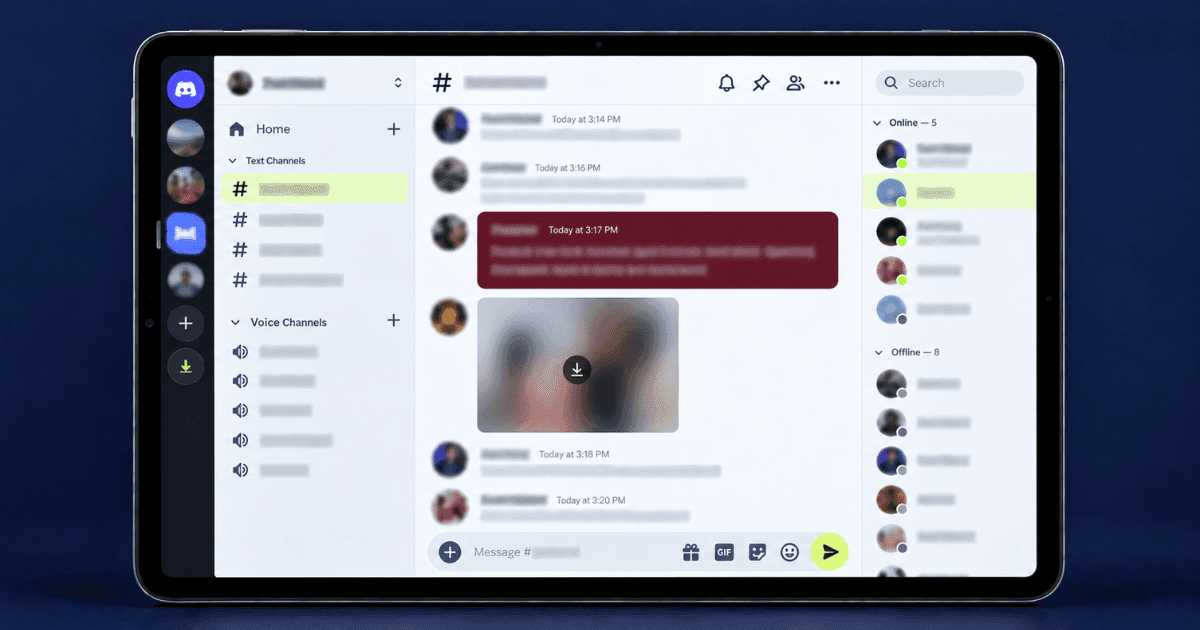
Knowing how to stop sextortion in Discord group chats starts with understanding that a threat inside a shared server behaves differently from one that arrives as a cold direct message. In a server, the person threatening you is inside a community you share. They may have seen who you talk to, which channels you use, and which other servers you belong to. The threat may not be to post the content across the wider internet, but to share it inside the server, where people recognise you. This guide explains how the server context affects your response, how to preserve evidence, how to involve moderators, and how to use Discord’s reporting process if threats are made or content is posted.
Why Sextortion in Discord Group Chats Is Different
Three differences make the server context important when deciding how to respond.
The audience already exists. On many platforms, the threat is more abstract because the attacker must first identify people who know you. In a Discord server, other members are already gathered in one place, and the attacker may know which channels you use and who regularly interacts with you. This can make a threat to share private content feel more immediate and personal.
Grooming may happen publicly before moving into direct messages. The approach can begin with visible, friendly interaction in general channels over days or weeks. That familiarity may make the first private conversation feel less suspicious because the person already appears to be part of the same community. Once communication becomes private, the attacker may request personal details or intimate content before introducing threats.
Moderators provide an additional reporting route. Server moderators may be able to remove the account, delete posted content, preserve relevant information, and prevent the person from continuing to participate in that community. Their authority is limited to the server, but involving them can support the wider reporting process and help address content shared within that space.
Because minors also use Discord, age must be considered from the beginning. If the targeted person or anyone shown in the content is under eighteen, the situation should be treated as potential child exploitation and reported through the appropriate dedicated channels rather than handled only as an ordinary extortion complaint.
The First Hour
Stop Responding
Do not refuse, argue, or negotiate. Each reply confirms that the message reached you and may reveal which threats create the most pressure. Preserve the conversation, but avoid sending anything further while you prepare to report the account.
Do Not Pay
Payment identifies you as someone willing to pay and may lead to further demands. Requests on Discord commonly involve gift cards, cryptocurrency, game currency, or account items because these can be transferred quickly and may be difficult to trace or recover. Keep records of every payment request, but do not complete the transaction.
Capture Everything, Including the Server Context
This is broader than a normal evidence list, because the server itself is evidence.
- Screenshot the full direct message conversation with timestamps
- Screenshot their profile, including username, display name, and user ID
- Copy their user ID as text, which is the durable identifier when display names change
- Screenshot the server name, the channels where they interacted with you, and their public messages
- Note when they joined the server and who invited them, if visible
- Record any payment addresses or item trade requests
Enable developer mode in Discord settings to copy user IDs and message links directly. Message links help moderators and Discord locate the relevant content, while screenshots preserve what appeared on your screen. Save both where possible.
Tell a Moderator Immediately
Tell a moderator privately as soon as possible so they can review the evidence, remove the account, and delete any posted content. You do not need to describe the private material in detail; explain that a user is attempting to extort you and share the relevant user ID and message links. If the server is inactive or moderated by people connected to the account, report the messages directly to Discord and make sure you know what to do when you are being extorted on Discord before taking any further action.
Reporting to Discord
Discord provides in-app reporting tools for threats, extortion, and non-consensual intimate content. A clear report should identify the specific messages involved rather than describing the entire situation without direct references.
Use the report option on the relevant messages and include message links when possible. Select the category that most accurately reflects the conduct, such as threats or non-consensual intimate content. Discord’s Safety Center explains its reporting options and platform policies.
Include the user ID, server ID, and relevant message links so the account and content can be located even if the display name changes. Save your evidence and submit the report before blocking the account, then block the user to prevent further direct contact.
Need Expert Help?
Our team has resolved thousands of cases. Get confidential support now.
If the Person Targeted Is Under Eighteen
When the person targeted is under eighteen, the situation should be treated as child sexual exploitation and reported through the appropriate dedicated channels. Cases involving sextortion of a minor require particular care when preserving evidence and involving a trusted adult. Do not download, forward, or create additional copies of the intimate material.
In the United States, submit a report to the NCMEC CyberTipline. NCMEC also operates Take It Down, which can help participating platforms detect and limit the spread of intimate images or videos taken when the person was under eighteen.
Parents and trusted adults should respond calmly and avoid blaming or punishing the young person. Listen, preserve access to the messages needed for reporting, and explain each next step before taking action on the account or device.
If Content Is Posted in the Server
If the content has already been posted, focus first on limiting its visibility inside the server. Capture screenshots and message links before anything is removed, then report the posts to Discord and contact the moderators privately. Ask them to delete the content, ban the account, and check whether the same material was posted in other channels. This addresses the immediate exposure within the community while preserving the information needed for a platform report.
Do not assume that deleting the original post removes every copy. Other members may have saved the content or shared it in another server, social platform, or website. Check the locations mentioned in the threat and document any reposts you find before submitting removal requests. When the material has spread beyond the original community, Discord blackmail support can help coordinate reports, removal requests, and continued monitoring across multiple locations.
Reducing Server-Level Exposure
Disable direct messages from server members who are not on your friends list. You can apply this setting across your servers or adjust it for individual communities where you do not need private contact. Review your friend request permissions as well, since limiting requests from server members can reduce additional ways for an unfamiliar account to reach you.
Use Discord’s profile privacy settings to limit who can see details such as your connected accounts, bio, and activity, or remove social and gaming connections that reveal information about your identity. Friendly interaction in a public channel should not be treated as proof that someone is trustworthy, especially when the conversation quickly moves into private messages. Knowing how to prevent sextortion on Discord can help you tighten the account settings and privacy habits that matter across both servers and direct messages.
Taking Action Now
Knowing how to stop sextortion in Discord group chats begins with ending communication, refusing payment, and preserving the information needed for reporting. Copy the user ID and relevant message links, capture screenshots of the threats, and notify a moderator privately. Submit the messages to Discord under the most accurate reporting category, then block the account and restrict direct messages and friend requests from unfamiliar server members.
The shared-server setting can make the threat feel immediate, but it also gives moderators the ability to remove posts, restrict the account, and limit further exposure within the community. If the threats continue, the content has already been posted, or you need help coordinating reports and removal requests, you can get confidential help with Discord extortion and determine the next steps for your situation.
About the Author
Altahonos Team
The Altahonos Team consists of cybersecurity and online reputation management specialists with extensive experience in digital threat mitigation and content removal strategies, helping individuals and businesses protect their digital presence.
Related Resources
Trusted by Thousands

Based on 488+ verified reviews